Audinux
A Fedora COPR repository for Audio creation
SND
This document provides practical and up-to-date documentation for using and packaging snd on Fedora and in the Audinux repository.
It is intended for:
- users
- musicians
- researchers
- sound designers
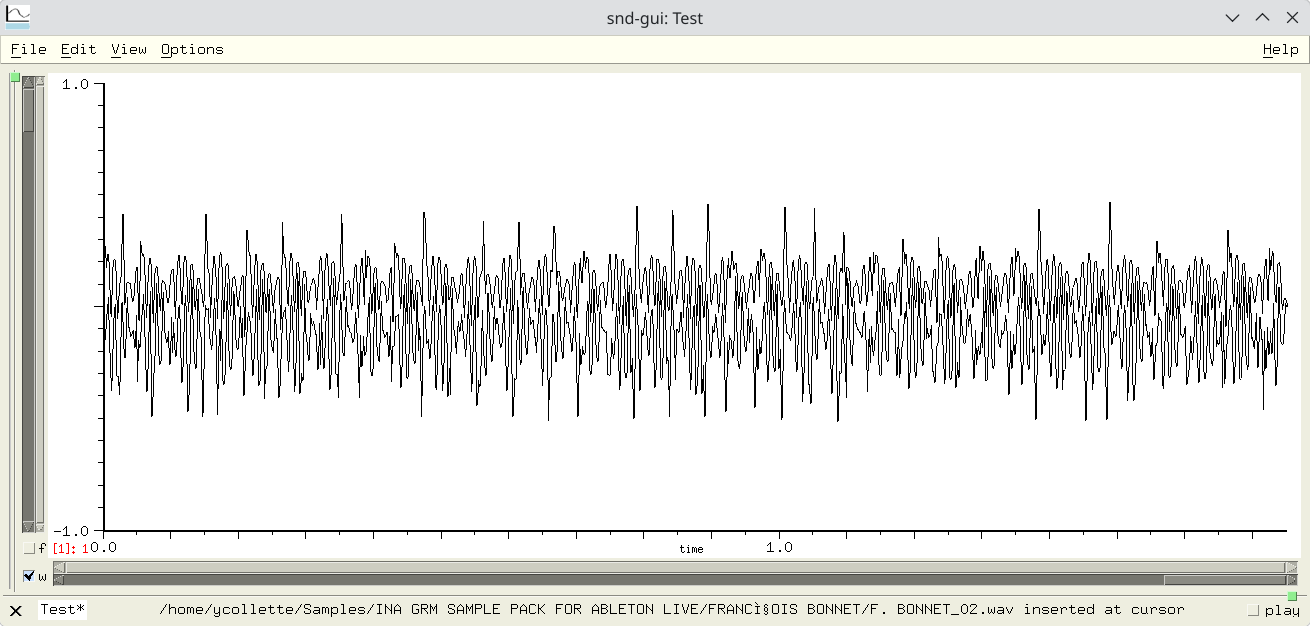
A quick description of the application can be found on the CCRMA SND Wiki page.
Quick overview of snd
snd is a research-oriented audio editor developed at CCRMA (Stanford) by Bill Schottstaedt.
Key features:
- Precise audio editing
- Signal analysis
- Advanced scripting via s7 Scheme
- Modular architecture
Unlike Audacity, snd is designed as:
- Editor + audio processing language
Fedora/Audinux variants
On modern Fedora, it is recommended to provide two variants:
- snd-gui version with graphical interface (Motif/X11)
- snd-nox version without graphical interface (scripts, servers)
This division replaces the older, now obsolete, snd-gtk. This version was based on the now obsolete Gtk2 library.
To install snd:
$ dnf install snd-gui
$ dnf install snd-nox
snd.conf Configuration (IMPORTANT)
Common Historical Error: many older snd.conf files contain lines like:
(cons "/usr/lib64/snd/scheme" *load-path)
or Guile variants:
(%load-path).
These lines cause errors with modern snd (s7).
Scheme Module Locations
Scheme modules are installed in:
/usr/lib64/snd/scheme/
Some important modules:
- effects.scm: DSP Effects
- env.scm: Envelopes
- mix.scm: Non-Destructive Mixing
- marks.scm: Markers
To test a module:
$ mkdir snd
$ cp /usr/lib64/snd/scheme/* snd
$ snd-gui
Then click on ‘View->Show listener’ in the main GUI. In the Scheme console, enter:
> (load "bird.scm")
make-birds
> (make-birds)
Built-in Documentation (Main Source)
snd provides comprehensive built-in documentation:
$ info snd
$ man snd
Some complete documentation can be found in:
/usr/share/doc/snd/snd.html
Keyboard Cheat Sheet (Summary)
c-a: move cursor to window start c-e: move cursor to window end c-v: move cursor to mid-window c-l: position window so cursor is in the middle c-f: move cursor ahead one sample c-b: move cursor back one sample c-q: play current channel starting at cursor c-t: stop playing c-[Space]: start selection definition c-m: place (or remove) mark at cursor location c-j: goto mark c-w: delete (cut) current region M-w: (copy) current region c-y: paste in last deleted region c-_: undo c-x c-s: save your current edition.
s7 Listener — Useful Commands
With snd-gui, to access the s7 console, you must first select: ‘View->Show listener’ in the main GUI.
Some simple examples:
(channels)
(srate)
(sound-length)
(map-channel (lambda (x) (* x 0.5)))
Target Audience and Use Cases
snd is particularly well-suited for:
- acoustic analysis
- music research
- scripted audio processing
- non-destructive workflows
Project Status
Active but discreet development. Code historically hosted on SourceForge. No modern official Git repository, only a SVN repository on SourceForge.